
Updated . A 4-minute read. By Skai P, Boldnsmart.
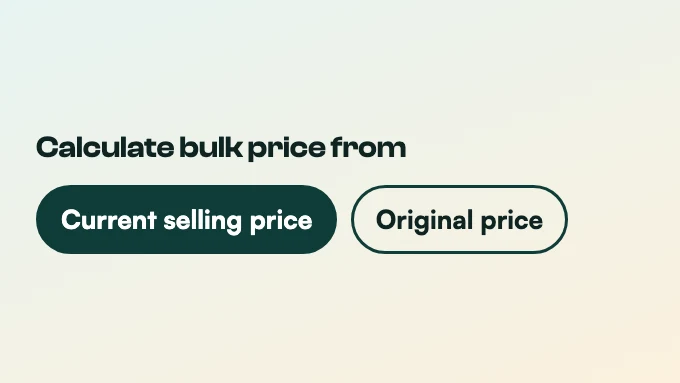
Short answerPick which price the tier counts from. In BulkPilot’s Settings, Current selling price takes the tier’s percentage OFF the sale price, so the deal goes deeper. Original price works the tier out from the compare-at price and applies it only when that comes out below the sale price. Example: $40.00 compare-at, $30.00 sale price, Buy 2 at 10% OFF gives 2 for $54.00 from the current price, and no tier from the original price.
BulkPilot is a Shopify app built for this. See it on the Shopify App Store.
The two settings, with numbers
Take a product with a compare-at price of $40 that is on sale for $30, and a Buy 2 tier at 10% OFF.
| Setting | Buy 2 at 10% OFF | Buy 2 at 30% OFF |
|---|---|---|
| Current selling price | $27.00 each, 2 for $54.00 | $21.00 each, 2 for $42.00 |
| Original price | No tier: $36.00 is above the $30.00 sale price, so the shopper pays the sale price | $28.00 each, 2 for $56.00 |
Which one to choose
- Current selling price (the default) when you want the multi-buy to stack on top of your sale.
- Original price when the sale is already deep and you don’t want the two to add up. The tier then only applies when it beats the sale price, and its button hides when it doesn’t.
It is one switch for every product in the store. When you save a tier that would not apply on a product that is on sale, the app warns you.
Set it up step by step
- Install BulkPilot
Install it from the Shopify App Store. The setup guide on Boldnsmart walks through each screen.
- Open Settings
In BulkPilot, open Settings and find Calculate bulk price from.
- Pick the base
Choose Current selling price or Original price and save. Existing tiers are updated to match.
- Check a sale product
Open a product that is on sale and look at the Buy 2 and Buy 3 totals, then add it to the cart and check the discount line at checkout.