
Updated . A 3-minute read. By Skai P, Boldnsmart.
BulkPilot is a Shopify app built for this. See it on the Shopify App Store.
Why the limit bites
Shopify’s automatic discounts are capped at 25 active at once. If each product’s quantity break is its own discount, the slots fill up fast, and your seasonal sales and free-shipping offers need slots too.
Our workaround
- One discount. On install, BulkPilot creates one automatic discount called “BulkPilot bulk prices”.
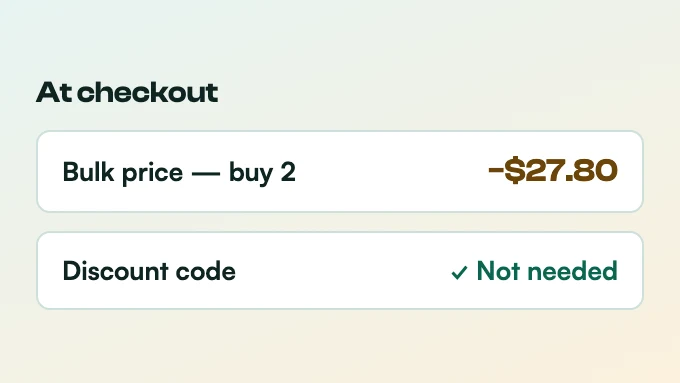
- Tiers live in your rules. Each rule’s Buy 2 and Buy 3 saving is stored in your store, and the one discount reads it at checkout.
- No duplicates. Reinstalling reuses the existing BulkPilot discount instead of adding a second one.
25 automatic discounts per store. BulkPilot uses 1.
BulkPilot, all productsFree for your own deals
How it sits with your other discounts
The BulkPilot discount combines with order discounts and shipping discounts, but not with other product discounts on the same item.
Set it up step by step
- Install BulkPilot
Install it from the Shopify App Store. The setup guide on Boldnsmart walks through each screen.
- Check your Discounts page
In Shopify admin, open Discounts. You will see one automatic discount, “BulkPilot bulk prices”.
- Add tiers to as many products as you like
Each new tier rule goes through the same discount; the count on your Discounts page stays at one. More than 1 active rule needs BulkPilot Pro.